
Download your data or close your account
Download a copy of your books, mailing list and sales from the Indie Author Toolchest, or close your account, and see what is removed and how to cancel the request.
By the end of this guide you will be able to download a copy of what you have put into the Indie Author Toolchest and, if you ever want to leave, close your account. Both are on the Account screen, and you can change your mind about closing before it happens.
Your readers, your books and your sales records belong to you, so leaving should be easy. Our lesson on what you still own if Amazon closed your KDP account explains why a copy of your own data is worth having.
Find the card
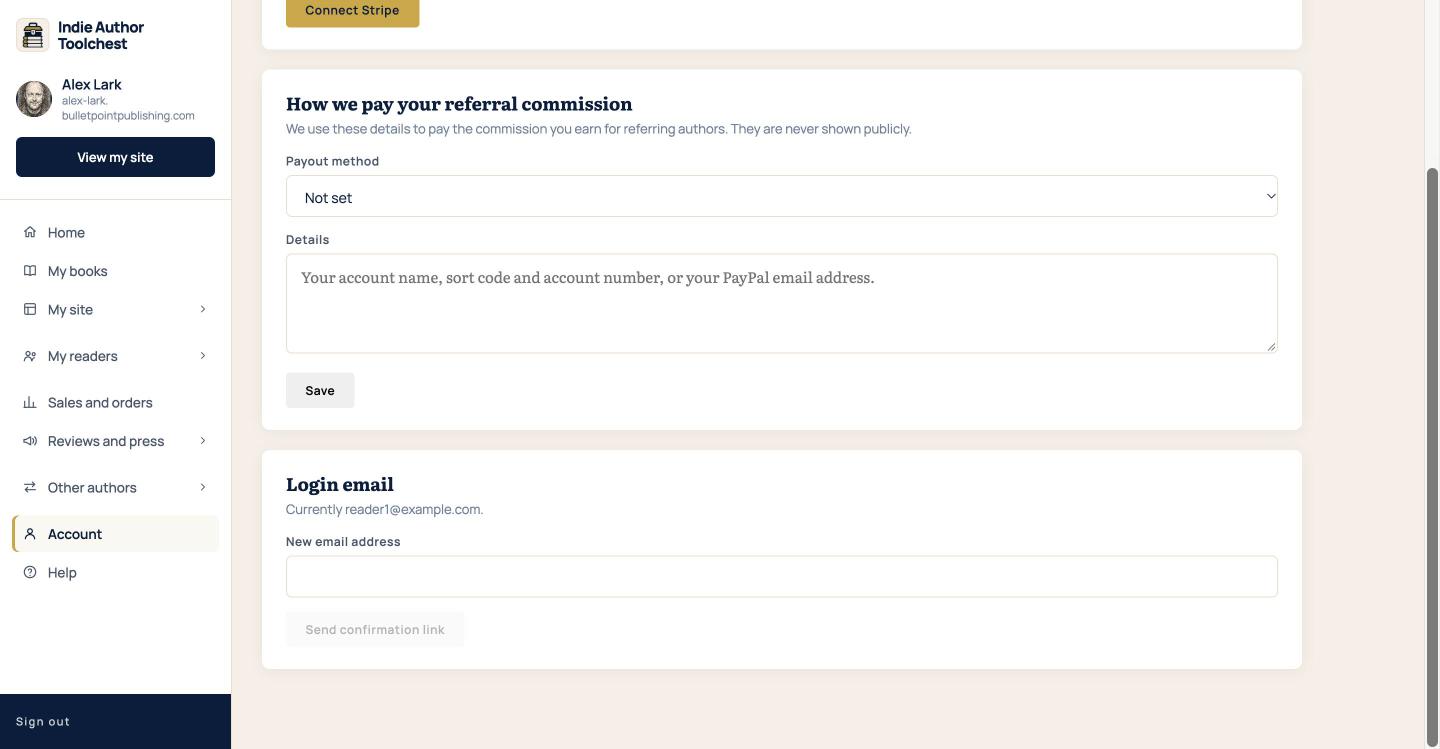
- Sign in and select Account in the menu on the left.
- Scroll to the bottom, below Login email.
The card at the bottom has a red edge and is headed Delete my account. It holds a Download my data button, a tick box, a box to type in and a red Delete my account button.
Download your data
- Select Download my data.
- Open the zip file your browser saves.
The zip holds your profile, your books, your mailing list, your sales, your review copy campaigns and their requests, your blog posts and your events. Your profile is one file and the rest are spreadsheet files you can open in Excel or Google Sheets. The mailing list file has each subscriber's email address, where they signed up and when.
Your extra pages, bundles, codes and gifts are not in the zip, and neither are your cover images or book files, so keep your own copies of those.
You can download your data five times an hour. If you reach that, the screen asks you to wait a little and try again. Downloading does not close your account.
Close your account
- Tick I have downloaded the data I need.
- Type delete my account into the box headed Type "delete my account" to confirm.
- Select the red Delete my account button.
The button stays switched off until the box is ticked and the words are typed, so you cannot press it by accident. Nothing is removed at this point.
What happens after you ask
The card changes to Account deletion requested and we email you what happens next.
Billing stops straight away. Your membership runs to the end of the period you have already paid for, with no part refund, and your site and login stay as they are until then. When that period ends, your account is closed. There is no other date.
What is removed depends on your sales:
- If you have never made a sale, your account is removed.
- If you have made sales, we keep a record of them for tax purposes. Your name and personal details are removed instead, your mailing list, posts and events are deleted, your login stops working and your books are unpublished. Readers who have already bought a book keep the download time they were promised.
Once your account is closed, the data is gone, so download first.
Change your mind
Go back to Account and scroll to the card. It says when you asked, and it has a Cancel deletion request button. Select it and your membership carries on. You can cancel at any time before your account is closed.
Good to know
- If something does not work, send us a message from Help. Get help and send us a message shows how.
Next step
Download your data now, even if you plan to stay. A copy of your mailing list and sales is a useful backup.
You can try all of this free for 14 days. Start with the Indie Author Toolchest.
Run it all from one place
Author page, direct sales, reader list, review copies and press kit, built from one ASIN. Free for 14 days, no card.
Start your free trial