
Give away a free chapter to get email sign-ups
Set up a reader magnet in the Indie Author Toolchest: upload a free chapter or story, then share a sign-up page that turns visitors into email subscribers.
By the end of this guide you will have a free chapter or story on your author site that readers receive when they join your mailing list, and a sign-up page of its own that you can share anywhere. Every confirmed reader is someone you can write to when your next book comes out, and the list is yours to keep.
You need one file to give away, as an EPUB, a PDF or both. A first chapter, a short story and a deleted scene all work, and our lesson on reader magnet ideas helps you choose. The reader magnet works during your 14 day free trial, so you can set it up before you pay for anything.
Fill in your reader magnet
- Sign in and select My site in the menu on the left, then Reader magnet.
- In Headline, type what the reader gets, such as the name of your chapter or story.
- In Teaser (220 characters max), write a few lines that make a stranger want to read it. The box stops at 220 characters, so keep it short.
- Under EPUB and PDF, select Choose file and pick your file. Upload one format or both, and readers get a download button for each.
- Tick Also show this offer in a pop-up when a reader first visits your page if you want it. Leave it empty and readers find the offer on your sign-up page and on your site.
- Select Save changes.
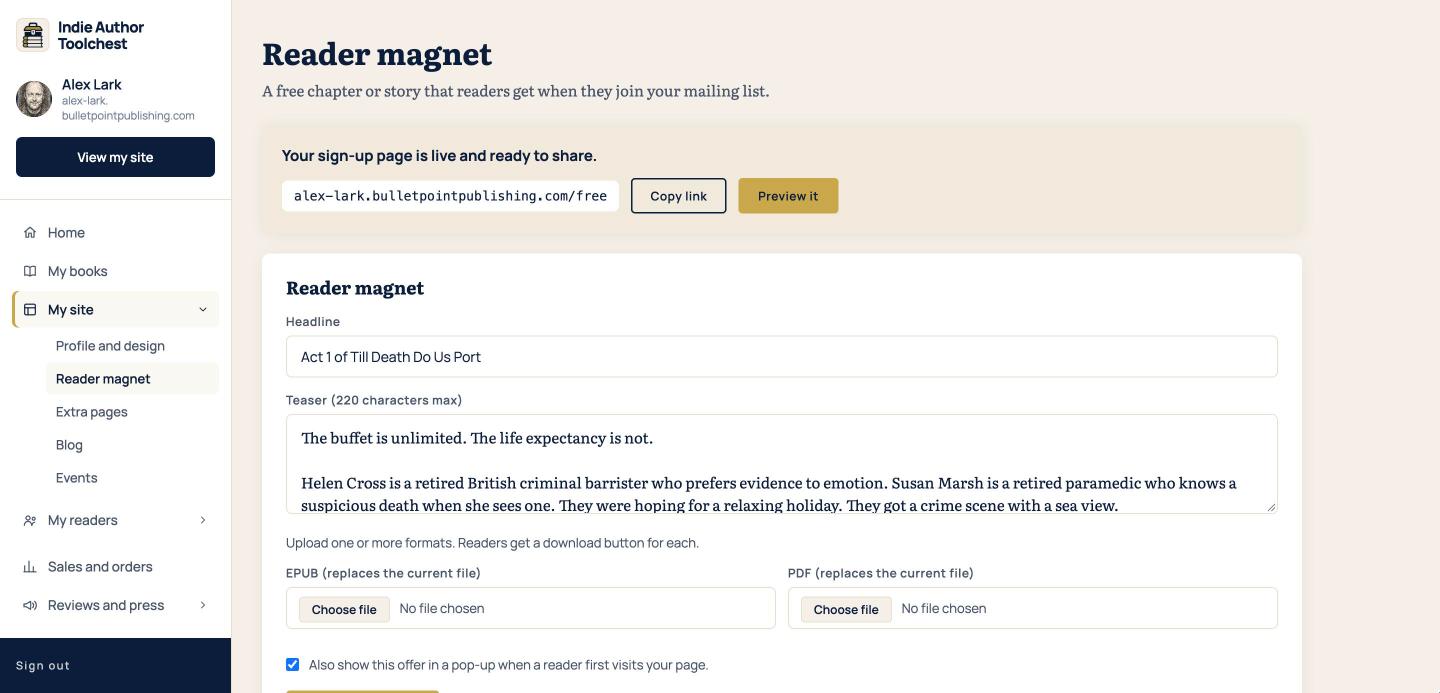
Until you upload a file, the page tells you that your sign-up page is live and asks you to add an EPUB or PDF. Add one before you share anything, because a reader who signs up is promised the file.
See what readers see
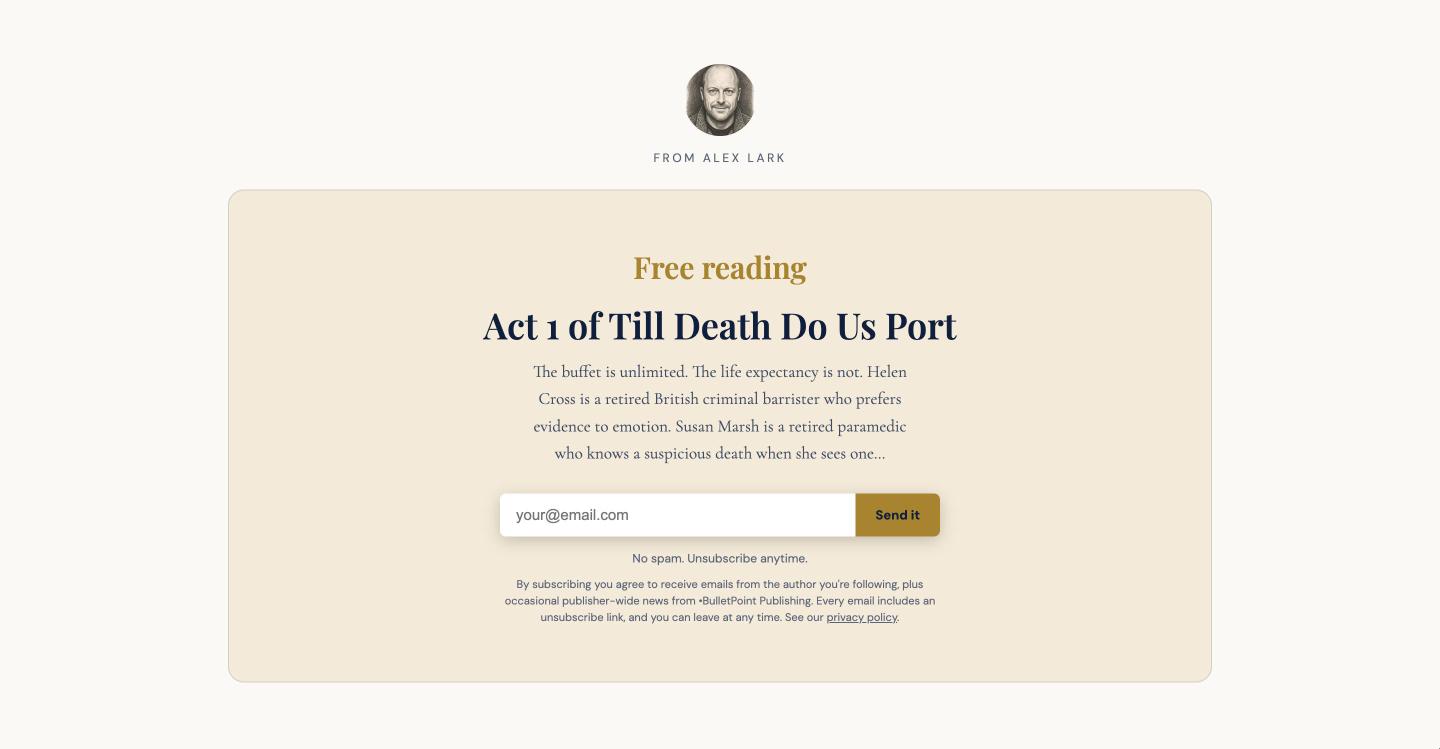
Select Preview it at the top of the Reader magnet page. Your sign-up page opens with your photo, your headline, your teaser, an email box and a Send it button.
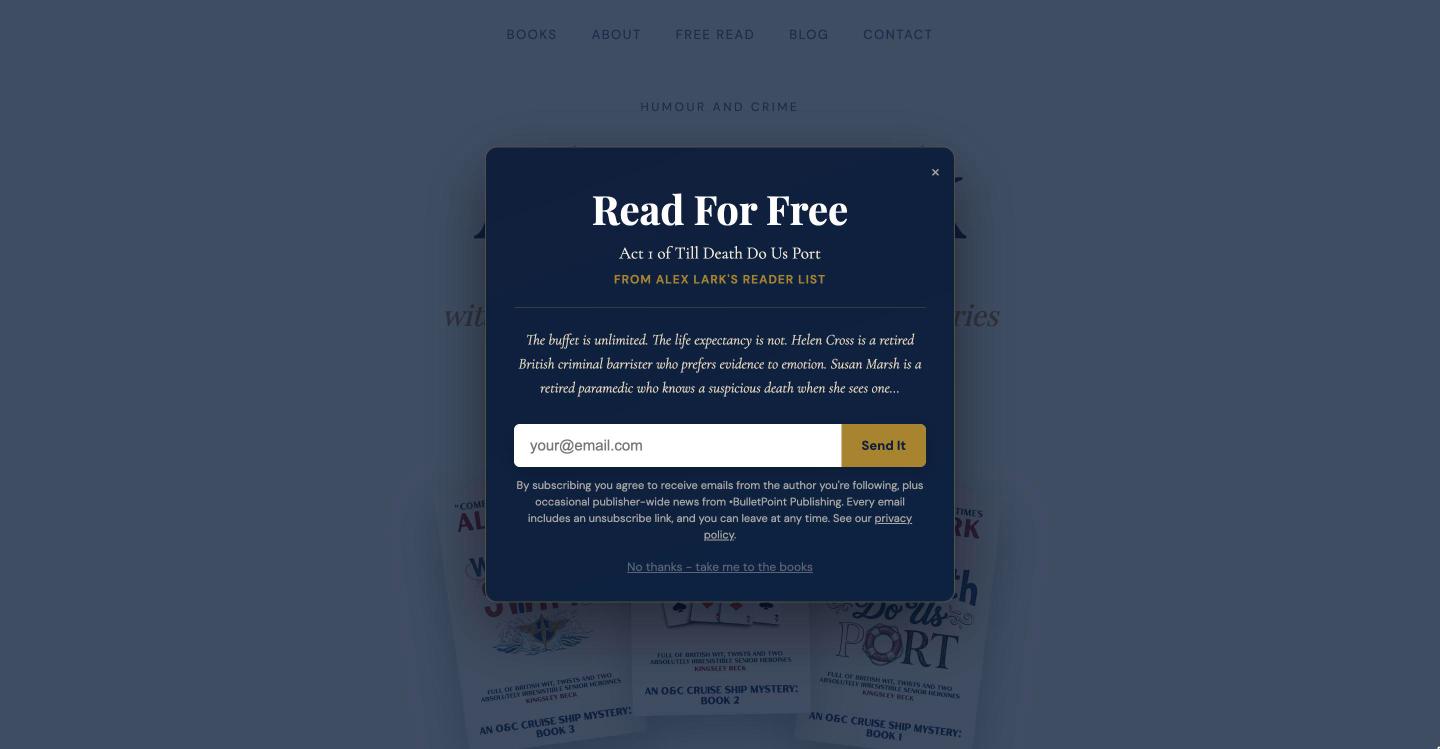
If you ticked the pop-up box, a first-time visitor to your author site sees the same offer in a box over the page. A No thanks link under it lets them carry on to your books.
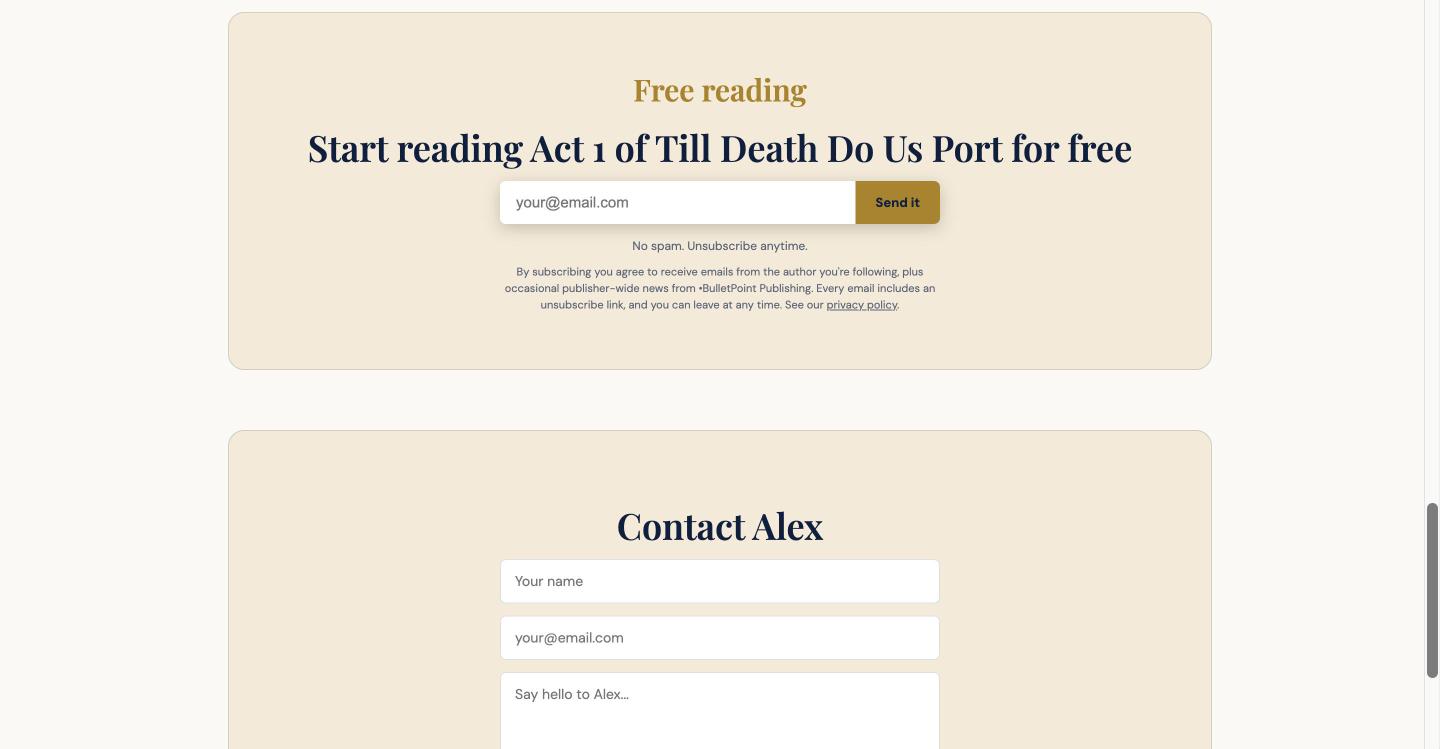
Your reader magnet also appears as a sign-up box further down your author site, so a visitor who closed the pop-up can still find it.
Share your sign-up page
- Go back to the top of the Reader magnet page, where it says your sign-up page is live and ready to share.
- Select Copy link. The address is yourname.bulletpointpublishing.com/free, with your own name in place of yourname.
- Paste it where readers will find it: your ads, your social media bio links and your email signature. You can also turn it into a QR code for a poster or a table.
What happens when a reader signs up
The reader types their email address and selects Send it. They receive an email asking them to confirm. When they click the link in that email, they join your list and the file is sent to them. The download link in that email works for 7 days.
A reader who has not yet clicked the confirmation link is counted as yet to confirm on your Subscribers page, and they are not on your list until they do. The next guide shows where to read those numbers.
Good to know
You can collect subscribers during your free trial. Emailing them switches on when you subscribe, at $12.99 a month or $120 a year. Choosing a new file in EPUB or PDF replaces the one you uploaded before, so a corrected edition reaches every new reader from then on.
Next step
Open My readers, then Subscribers, to watch your first sign-ups arrive, and read See and export your email subscribers. If you want more ways to bring readers to your page, our lesson on your first 100 subscribers lists five.
You can try all of this free for 14 days. Start with the Indie Author Toolchest.
Run it all from one place
Author page, direct sales, reader list, review copies and press kit, built from one ASIN. Free for 14 days, no card.
Start your free trial