
Set up your author website with one ISBN or Amazon code
Build a live author website from one ISBN or Amazon code and an email address. Follow each step from the sign-up form to your finished site, free for 14 days.
By the end of this guide you will have an author website of your own, built from one ISBN or Amazon code, that you can link to from your book, your bio and your social profiles.
The Indie Author Toolchest does the building. It pulls in your title, cover and blurb, and it gives your book a page, your name a home and your readers a sign-up form. You only check the details and click a link in your email.
What you need before you start
You need one published book and an email address you can open straight away. You also need the book's code. On Amazon it is under Product details on the book's page. A paperback's ISBN works as well.
A Kindle code starts with B0. Public book databases do not hold those, so the form cannot fill in your details for you. You type the title and blurb and add the cover yourself, which takes about a minute.
Build your page from one code
- Go to indieauthortoolchest.com/toolchest. The box headed Build your free author page in minutes is the form.
- In Your book's Amazon code (ASIN) or ISBN, enter the code.
- In Your email, enter your address, then click Build my free page. The button reads Looking it up for a moment while it searches.
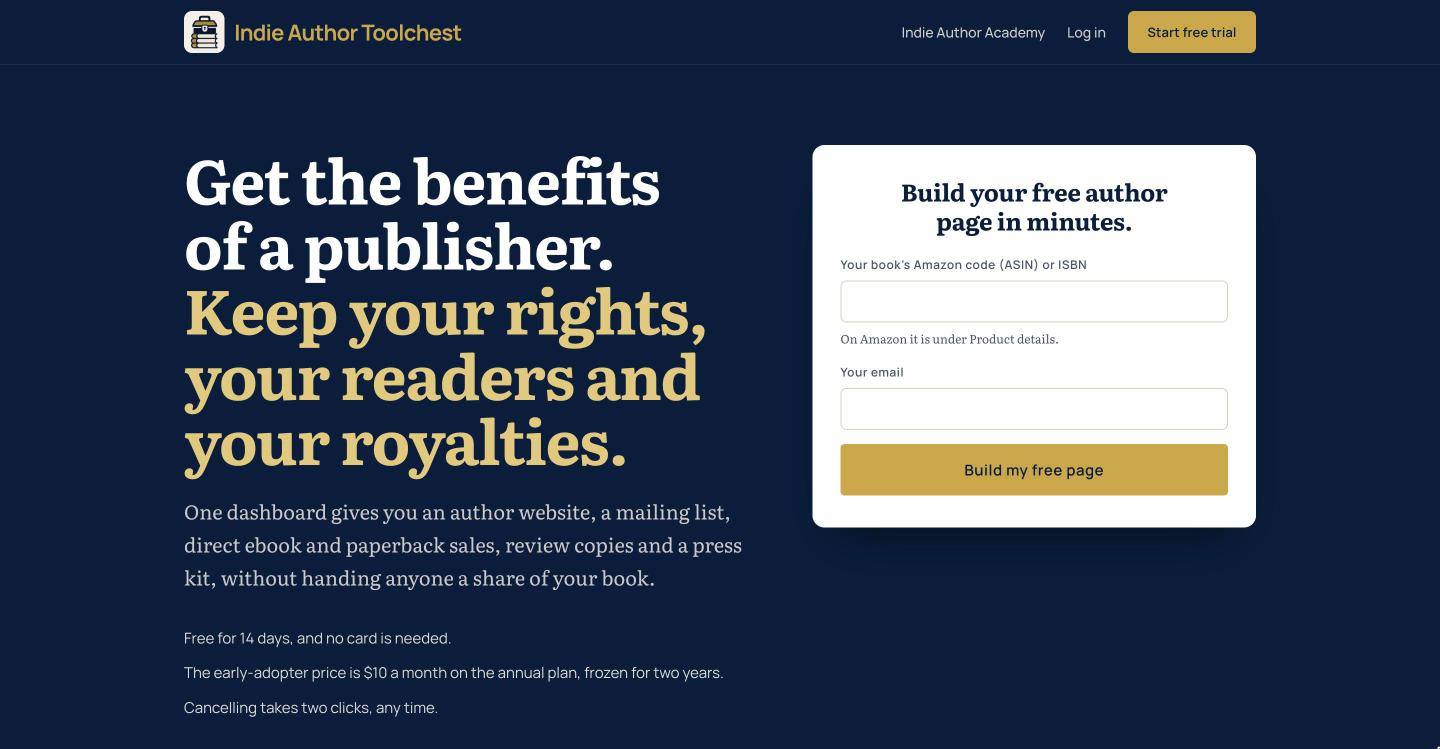
- Check the card that appears. It has Your name (as shown on your page) and, under Your books, the Book title, Category, Blurb and Cover. When the book is found you will see We found your book. Please check the details below. Correct anything that is wrong.
- If you have more books, enter each code under Add another book and click Look it up. You can also click Or type the details in yourself.
- Click Build my free page again. A message headed Check your inbox tells you the link has been sent.
- Open the email and click the link. There is no password to make. Your dashboard opens and your site is live.
See your new site
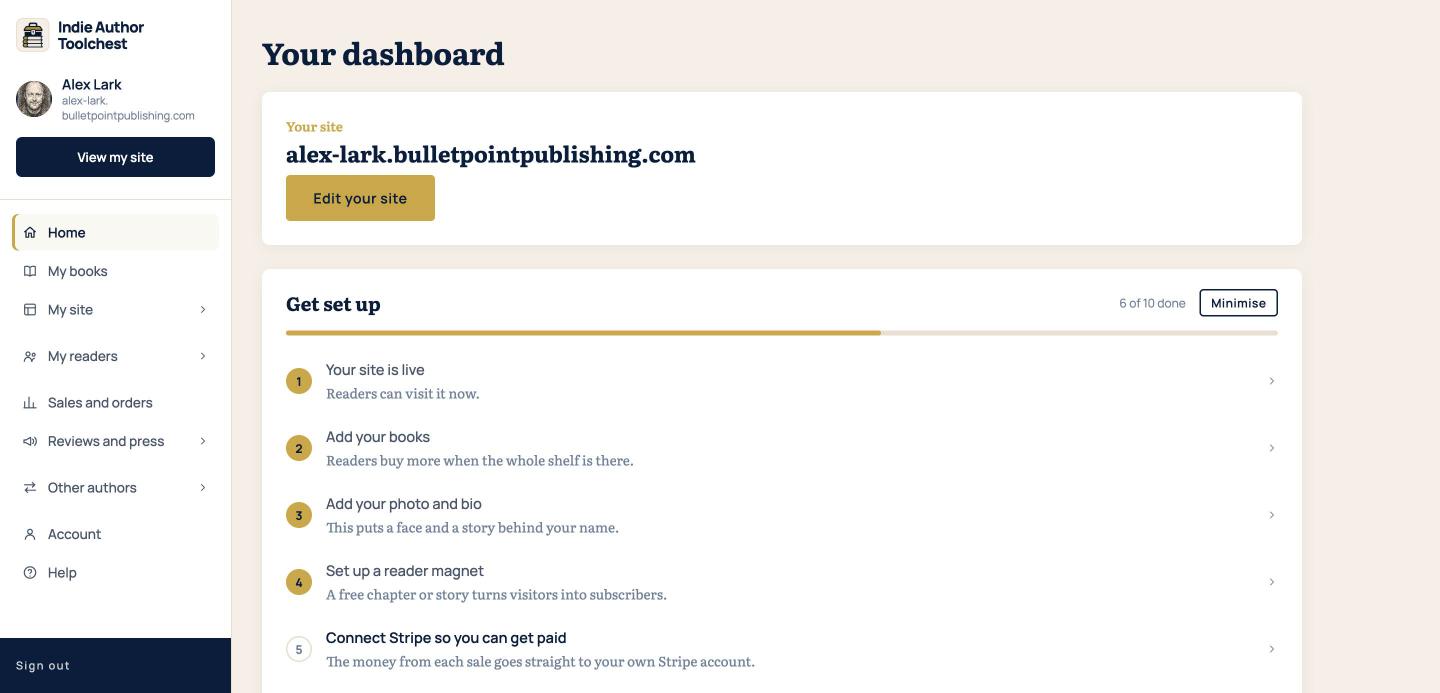
Your dashboard opens on Home. Under Your site is your address, which looks like yourname.bulletpointpublishing.com. Use that address in your bio, your email signature and your ads.
- Click View my site at the top of the menu on the left. Your site opens in a new tab.
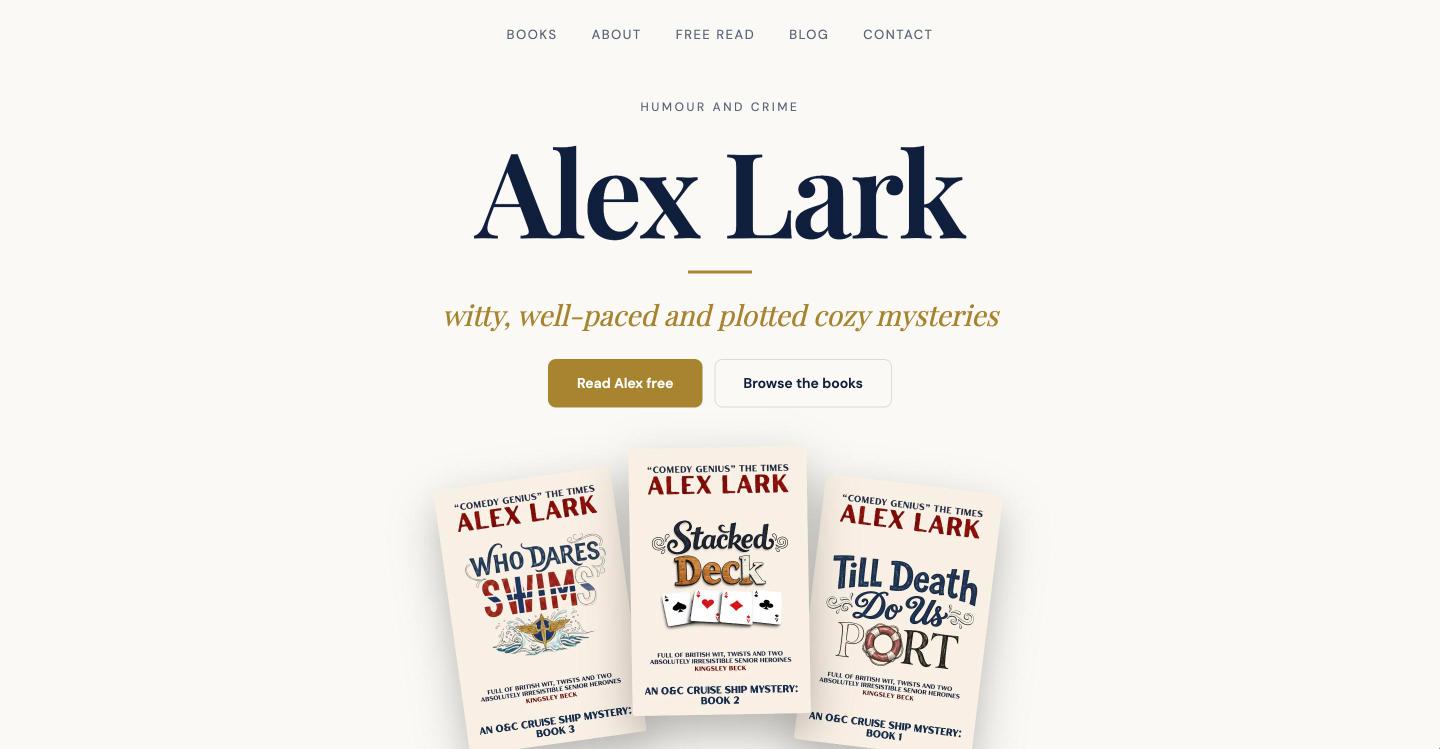
- Look for your name, your genre, your book cover and the sign-up form further down the page.
A finished site looks like the example below. Yours starts with your book and your details, and you fill in the rest as you go. You also get a second page under the BulletPoint Publishing name, at bulletpointpublishing.com/yourname, which updates itself whenever you change your books or profile.
Finish the page
Home has a Get set up checklist. Each row opens the page where you do that job, so you can work down it in order. Changes can take up to five minutes to show on your site.
The quickest way to feel at home is to read our tour of the dashboard menu. If you want to see why a page of your own is worth having, our lesson on whether you need your own author website gives the reasons.
Good to know
- The trial lasts 14 days and needs no card. During it you can build your site, add books, collect subscribers, offer review copies and make codes for events.
- Selling books, emailing subscribers, gifting copies, sending review copies to press and using your own domain switch on when you subscribe, at $12.99 a month or $120 a year.
- If the 14 days pass without a subscription, your site goes private. Your books, subscribers and settings are kept, and Reactivate my site puts it back online.
Your next step
Once your site is live, find your way around your dashboard, then add the rest of your books.
You can try all of this free for 14 days, with no card: build your author page at the Indie Author Toolchest.
Run it all from one place
Author page, direct sales, reader list, review copies and press kit, built from one ASIN. Free for 14 days, no card.
Start your free trial