
Change your plan, update your card or cancel
Subscribe to the Indie Author Toolchest, choose monthly or annual, update your card, find invoices and cancel, and see what happens to your site.
By the end of this guide you will know how to subscribe, choose between monthly and annual, update your card, find your invoices and cancel. Everything happens from your dashboard menu or from the banner at the top of each screen.
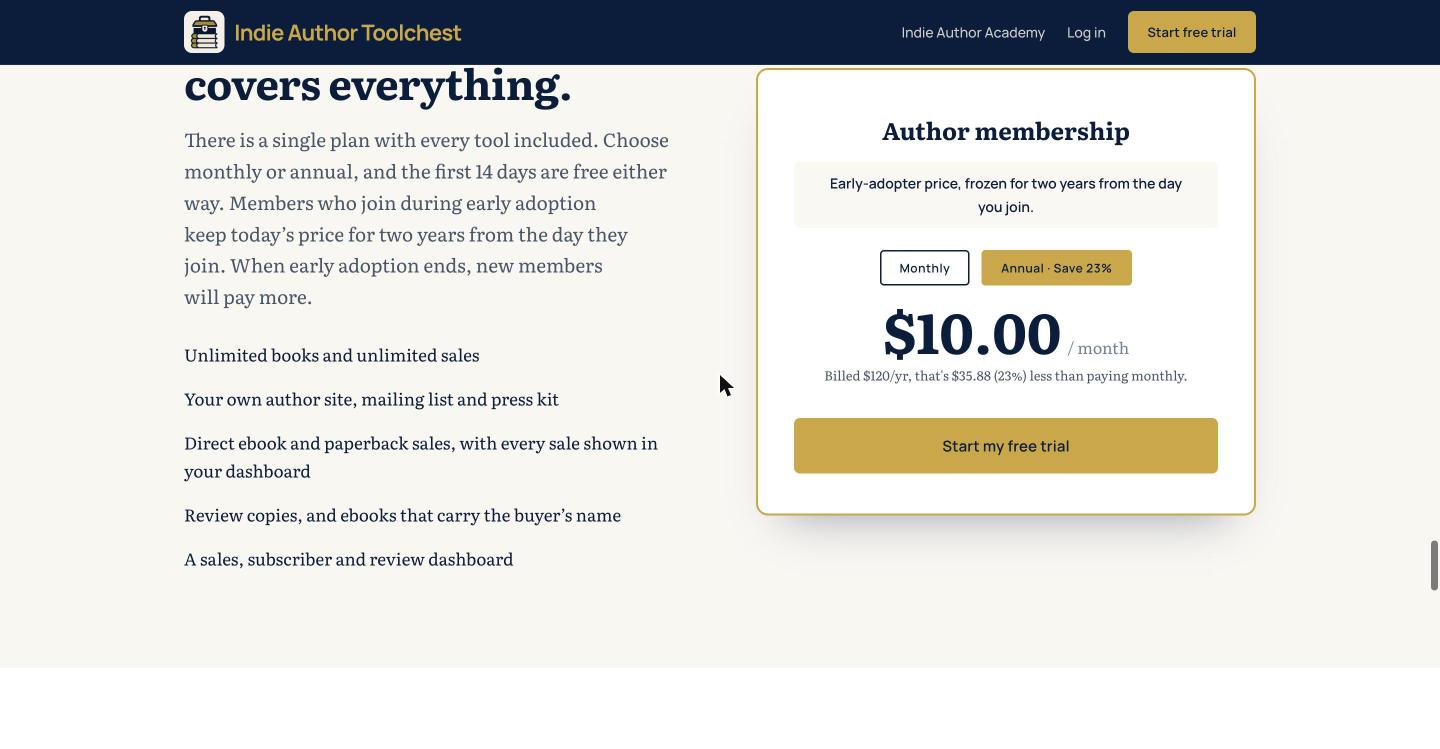
The membership costs $12.99 a month or $120 a year. We take nothing from your sales except the card fee.
Subscribe and choose monthly or annual
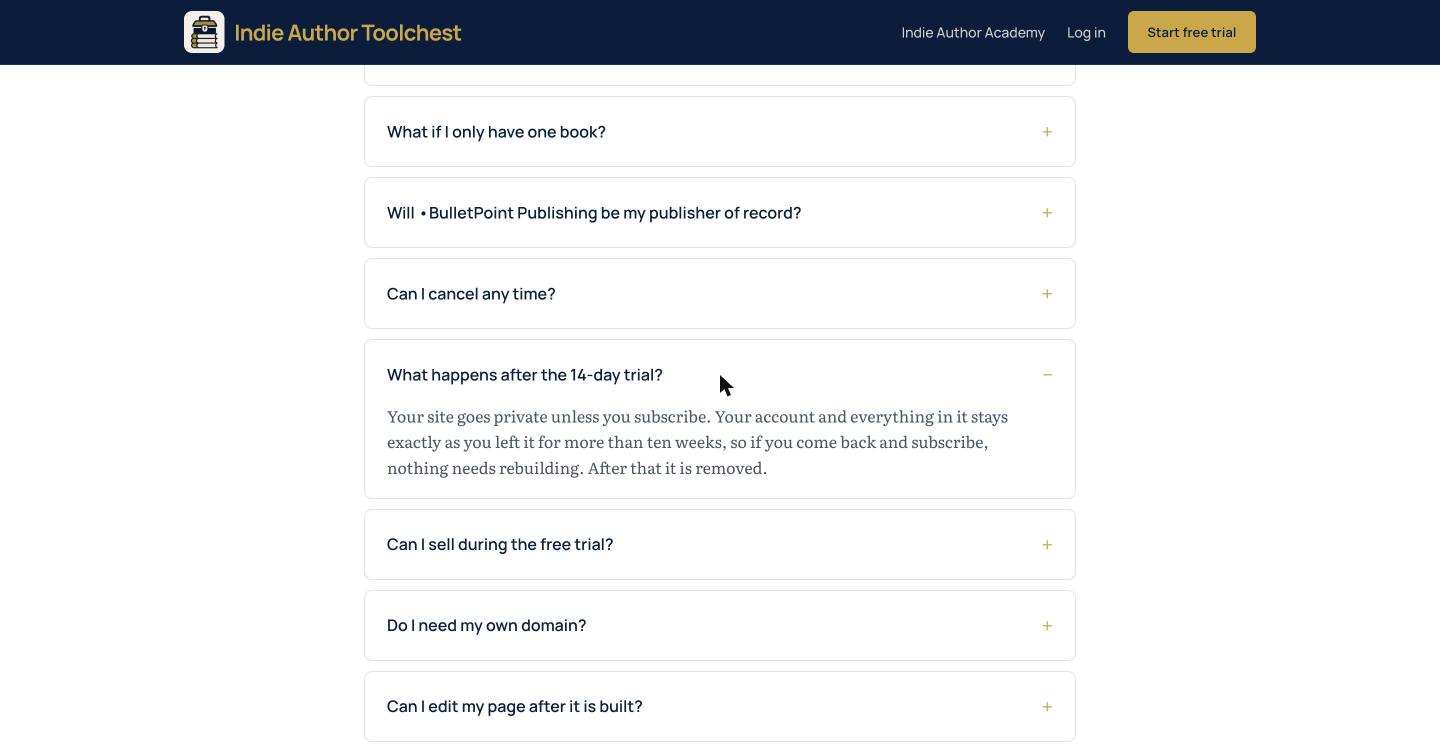
During your free trial a banner runs across the top of every dashboard screen. It is headed Keep your site live, tells you how many days you have left and has a Subscribe now button. On the last day it reads Your free trial ends today.
- Select Subscribe now in the banner.
- Choose Monthly or Annual. Annual is selected when the choice opens and shows how much you save compared with paying monthly. Monthly is $12.99 a month. Annual is $120 once a year, which works out at $10.00 a month.
- Select Subscribe now again. A payment page opens where you enter your card.
Selling your books, emailing your subscribers, gifting copies, sending review copies to press and using your own domain switch on when you subscribe. What you can do during your free trial lists what works before then.
If the trial ends before you subscribe, your site goes private and the banner changes to Your site is private, with a Reactivate my site button. It opens the same Monthly and Annual choice.
Update your card, see invoices or cancel
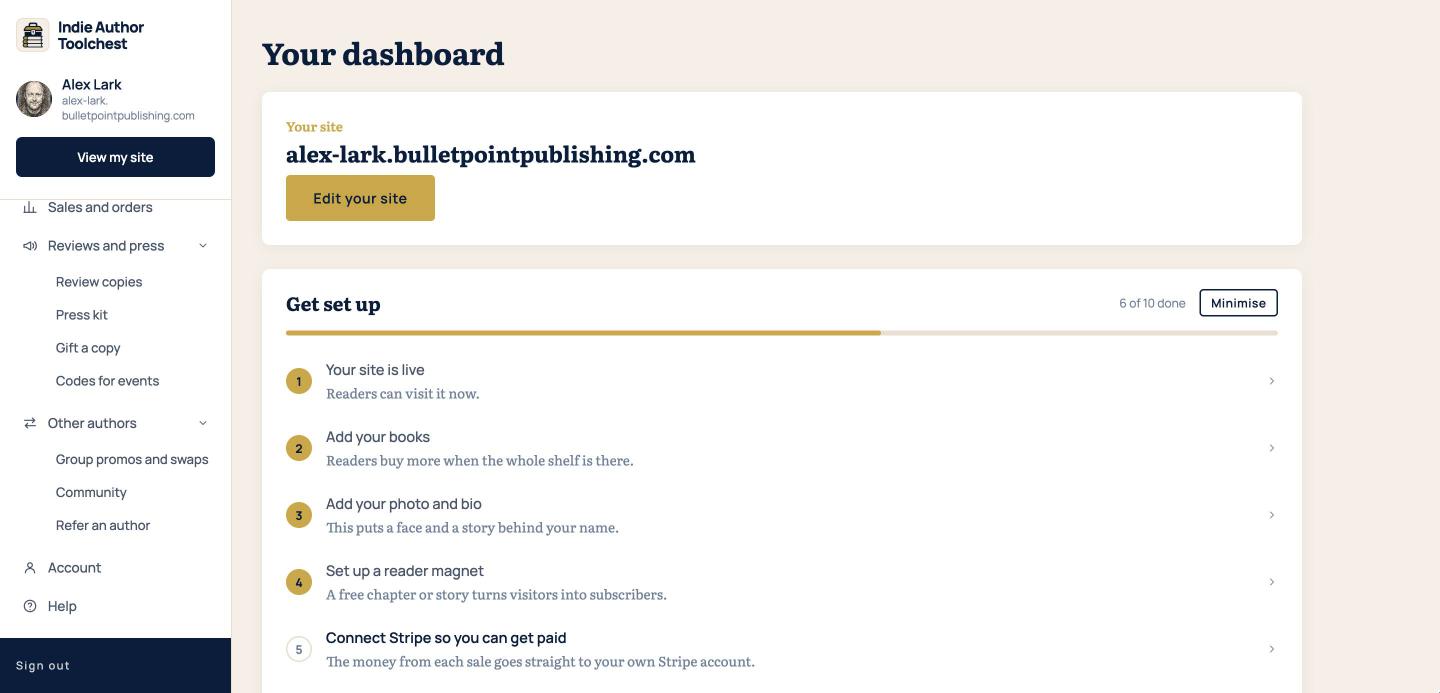
Once you have subscribed, a Manage billing link appears at the bottom of the menu, just above Sign out. The Account screen has no plan section, so look in the menu.
- Select Manage billing at the bottom of the menu.
- On the billing page that opens, update your card, see your invoices or cancel.
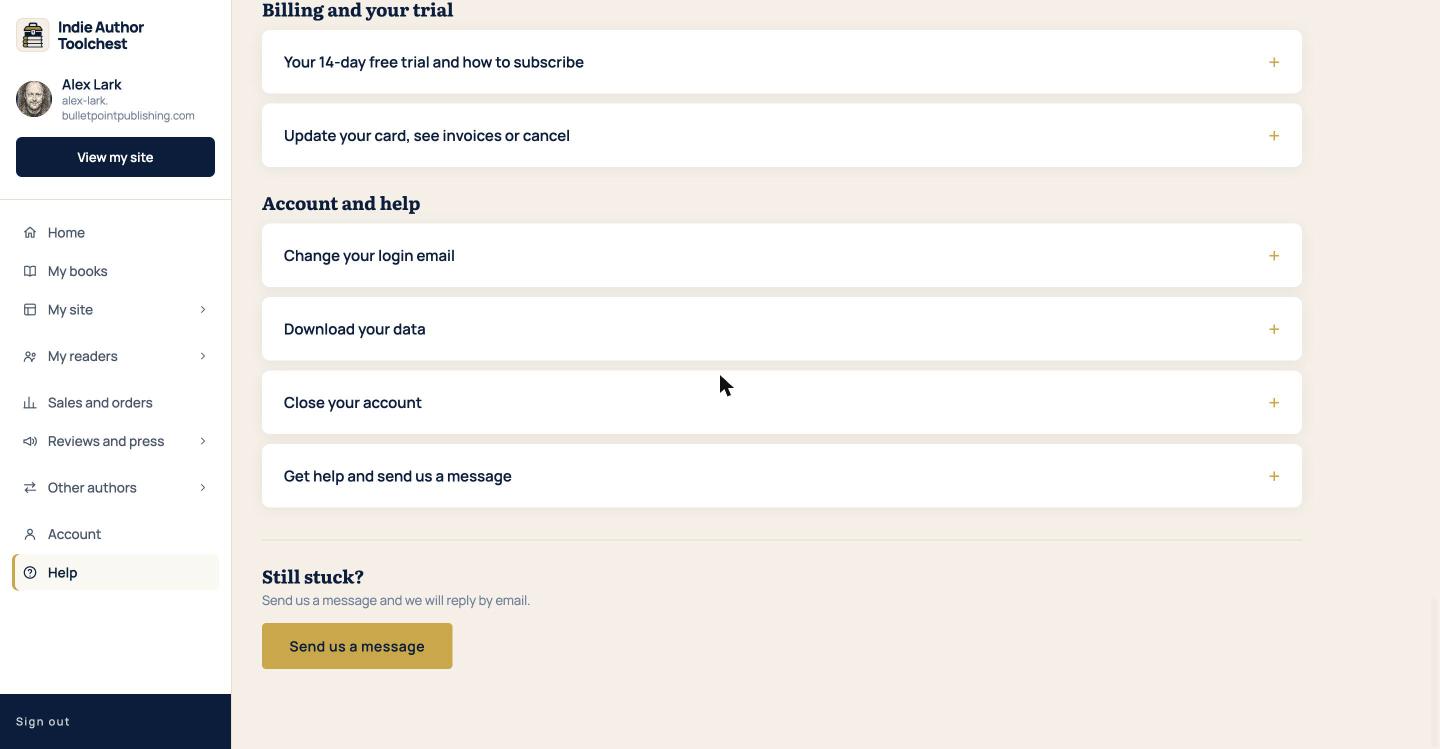
Our Help Centre lists those three jobs for the billing page. To move between monthly and annual after you have subscribed, send us a message from Help and say which one you want.
What happens when you cancel
Cancelling does not switch anything off at once. Your site stays live until the end of the period you have already paid for, and then it goes private. Nothing is deleted. Your books, subscribers and settings stay in your account, the banner reads Your site is private, and Reactivate my site puts your site back online whenever you subscribe again.
If you want to close your account altogether, read Download your data or close your account.
Next step
If you are weighing up the price, our lesson on what the do-it-yourself author stack costs a year adds up the separate tools the membership replaces. When your billing is settled, read Change your login email.
You can try all of this free for 14 days. Start with the Indie Author Toolchest.
Run it all from one place
Author page, direct sales, reader list, review copies and press kit, built from one ASIN. Free for 14 days, no card.
Start your free trial