
List book signings and launches on your website
List a book signing, launch or talk in the Indie Author Toolchest and see how it shows on your author site until the date passes.
By the end of this guide your book signings, launch parties and talks are listed on your author website with their date and place, so readers know where they can meet you. Add an event once and it shows on your site until the day passes.
You can add events during your 14 day free trial.
Add an event
- Select My site in the menu on the left, then Events.
- Select Add event.
- Type the name of the event in Event title, such as Book signing.
- Choose the day in Date.
- In Location (optional), type the place, such as a bookshop and its town.
- In Link for tickets or details (optional), paste a web address if the event has a page of its own.
- In Details (optional), add anything a reader should know, such as the time or whether they need to book.
- Select Save event. Select Cancel if you change your mind.
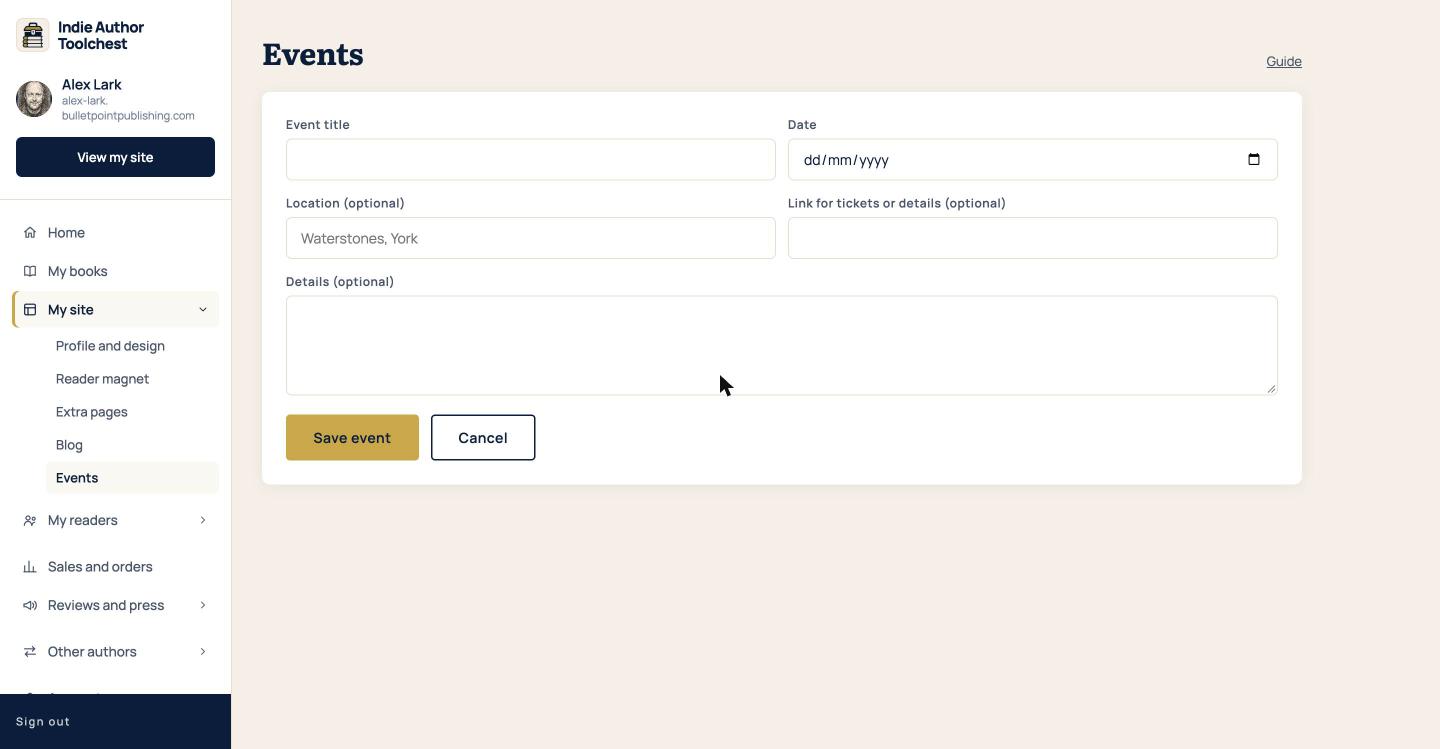
The Date box is a date picker, so you choose a day and do not type a time. Put the time in Details if readers need it.
Where your events show
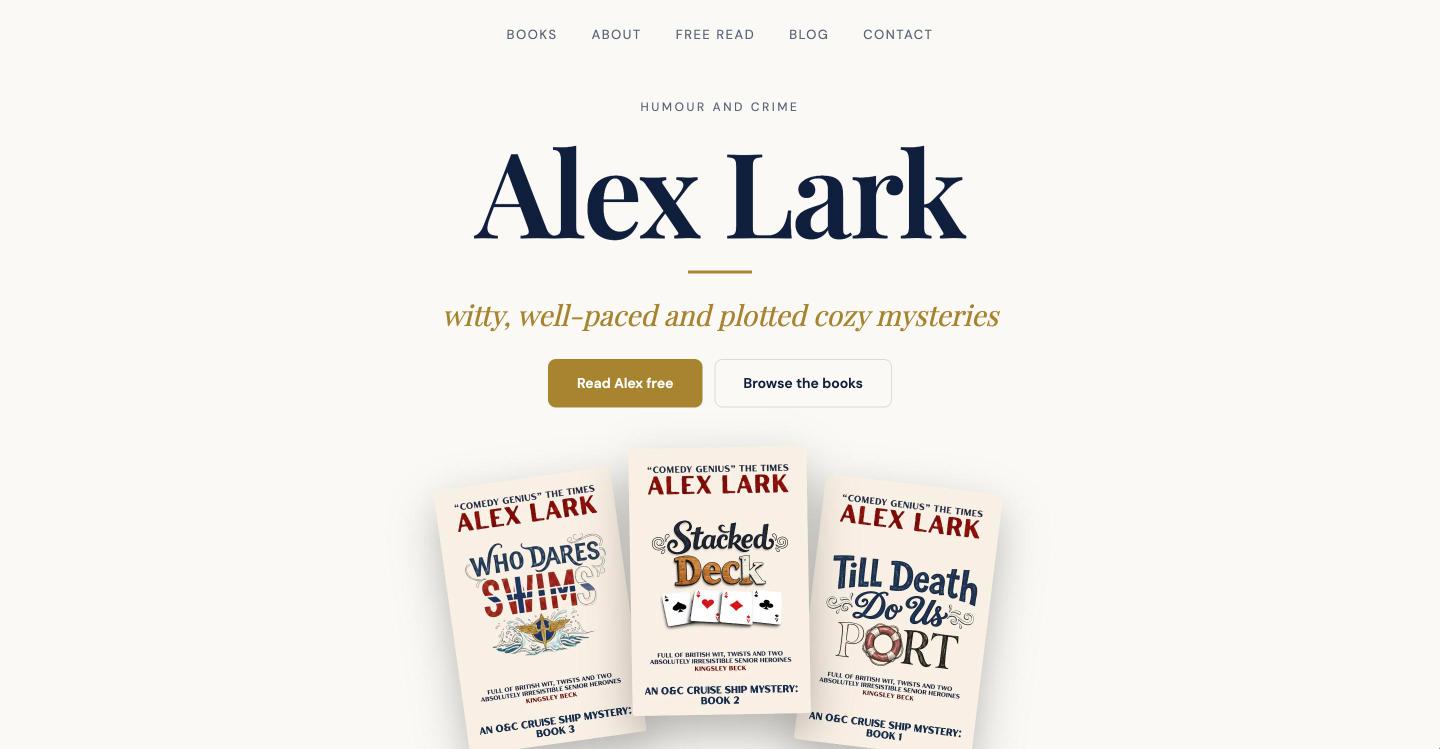
Your author website gets an Events section with a link to it in the menu at the top. Each event appears with its day and month, its title, its location and its details. If you added a link, a More details link takes readers to it. Your publisher page on BulletPoint Publishing lists the same events in date order.
How long an event stays on your site
An event shows on your site while its date is today or later. The next day it disappears from your site by itself, so a reader never sees a signing that has already happened. When the last upcoming event has gone, the Events section and its menu link go too.
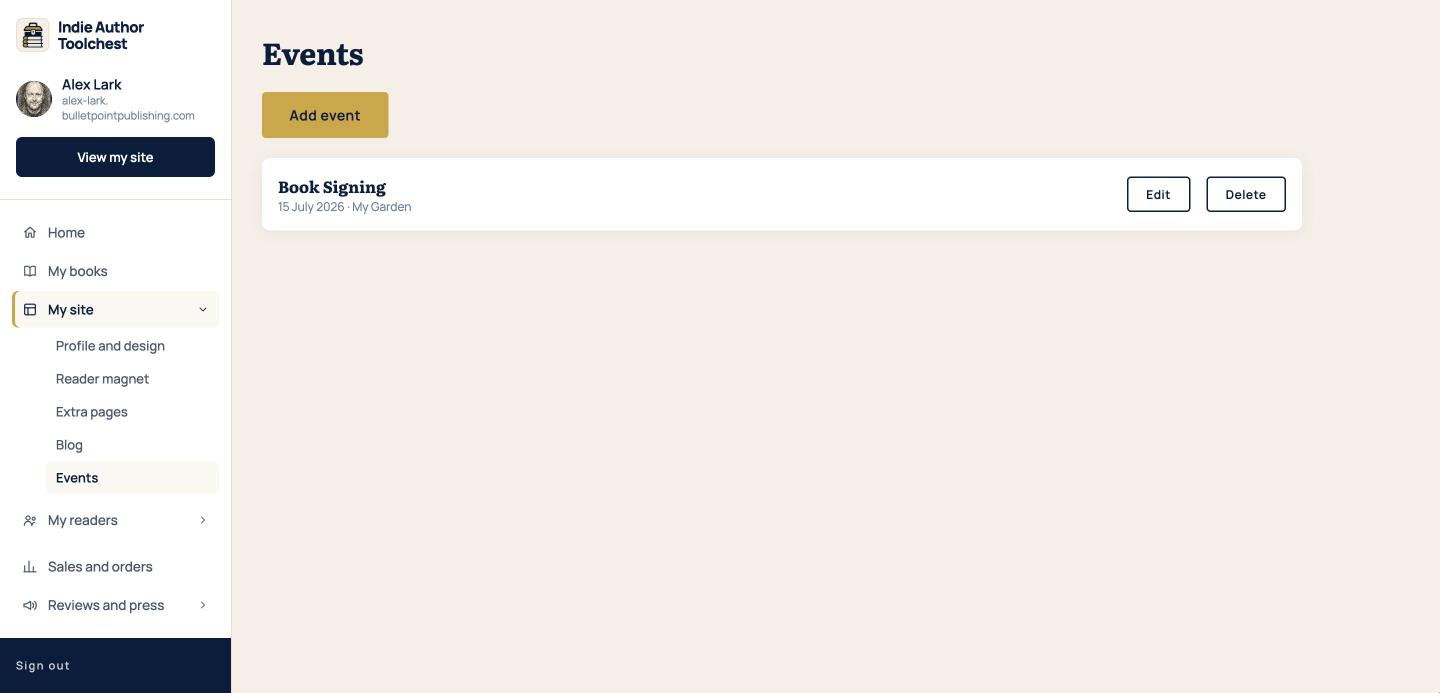
Past events stay in the list on the Events screen in your dashboard, in date order, so you can look back at them. Select Edit to change one, or Delete to remove it for good.
Good to know
To hide the Events section even when you have an upcoming event, go to My site, then Profile and design. Under Sections, untick Show the Events section on my site and select Save changes. Changes to your site can take up to five minutes to show.
Next step
If you hand out free ebooks at a signing, read Give away ebooks at events with printed codes, and Make a QR code sign for your book table gives readers a quick way to find your book. For the weeks around a launch, our book launch checklist shows what else to plan. Then read Let readers contact you through your website.
You can try all of this free for 14 days. Start with the Indie Author Toolchest.
Run it all from one place
Author page, direct sales, reader list, review copies and press kit, built from one ASIN. Free for 14 days, no card.
Start your free trial