
Launch a book week by week with the Toolchest
A launch plan that uses the Indie Author Toolchest in order: coming soon page, review copies, press kit, reader magnet, launch day email and event codes.
By the end of this guide you will have a launch plan that uses the Indie Author Toolchest in the order that helps a book most: add the book early, hand out review copies, build a press kit, collect sign-ups, email your readers on launch day and take printed codes to a launch event. Each step links to its own full guide. The timing follows our 12-week launch timeline.
Most of this works during your 14 day free trial. Emailing your readers and sending review copies to the press switch on when you subscribe, at $12.99 a month or $120 a year. To sell the book from your own site, connect Stripe on the Account screen.
Twelve weeks out: add the book as coming soon
- Select My books, then Add a book.
- Fill in the Title, the Cover image, the Tagline and the Blurb.
- Set Status to Coming soon.
- Choose a Release date (optional). Reviewers who took a review copy get an email on this date.
- Save the book.
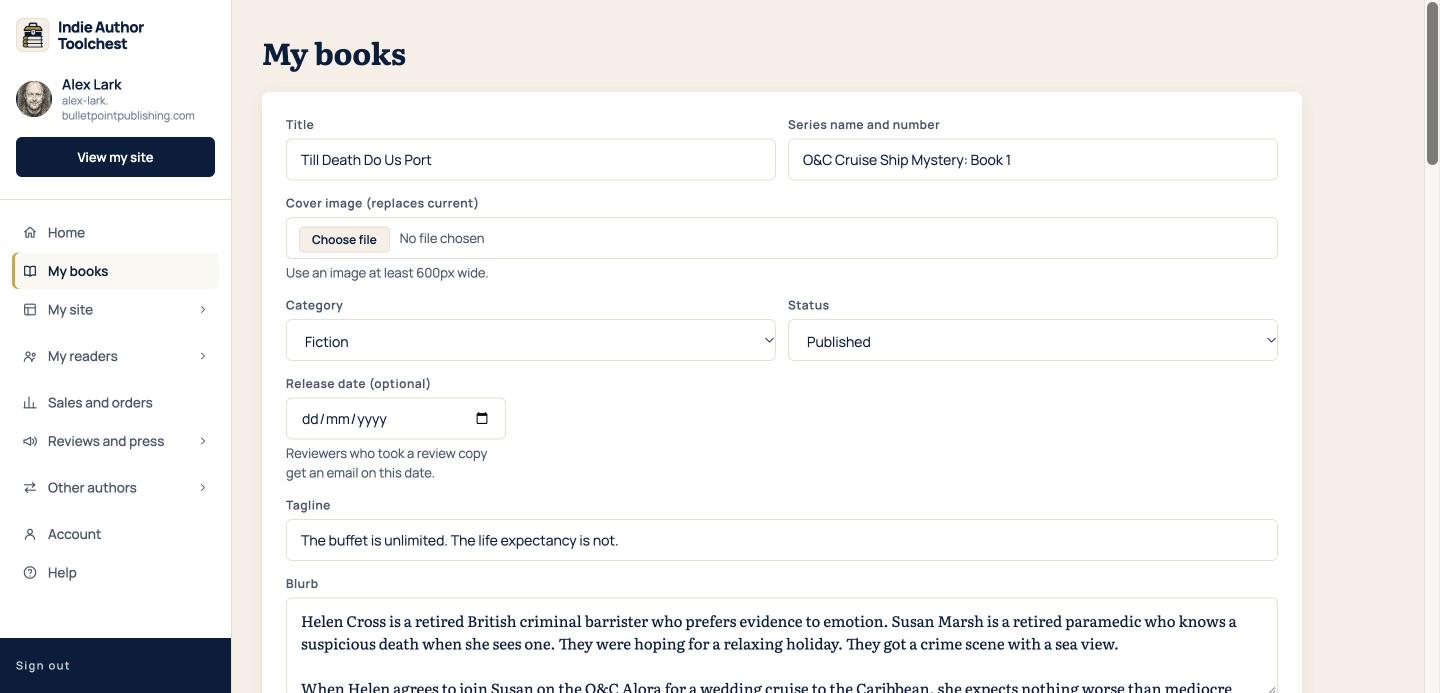
A Coming soon book shows on your site before it is released, so readers can find it as soon as you share your link. Add a book to your author website covers every field.
Eight weeks out: offer review copies
- Upload the ebook file for the book under My books.
- Select Reviews and press, then Review copies.
- Choose your book, enter the number of copies and select Start.
- Select Copy link and share it with your reviewers.
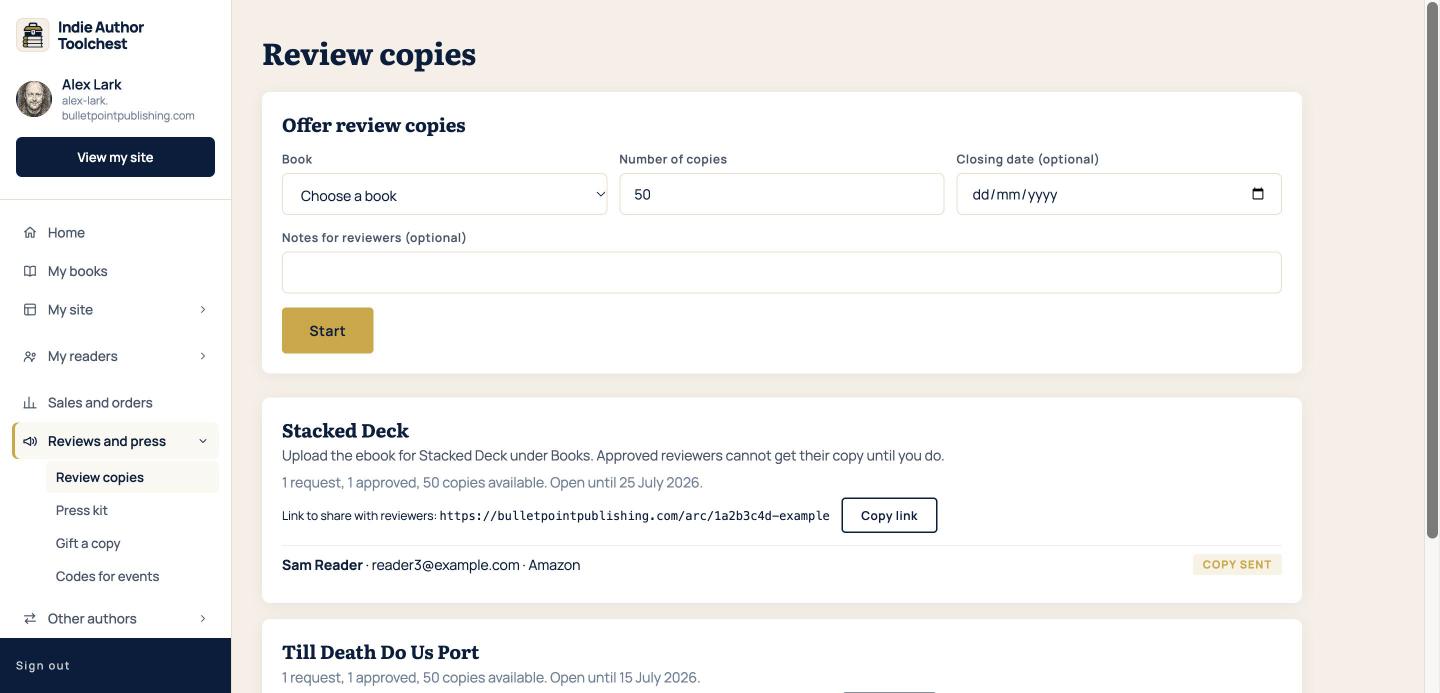
Each request waits for your approval. Hand out review copies before your book launch shows the full steps.
Four weeks out: build the press kit page
Your press kit page fills itself from your profile and books. Check your bio, photo, praise and covers under My site, then Profile and design, and make sure the new book has a cover. Then open the page and send its link to anyone who might write about you.
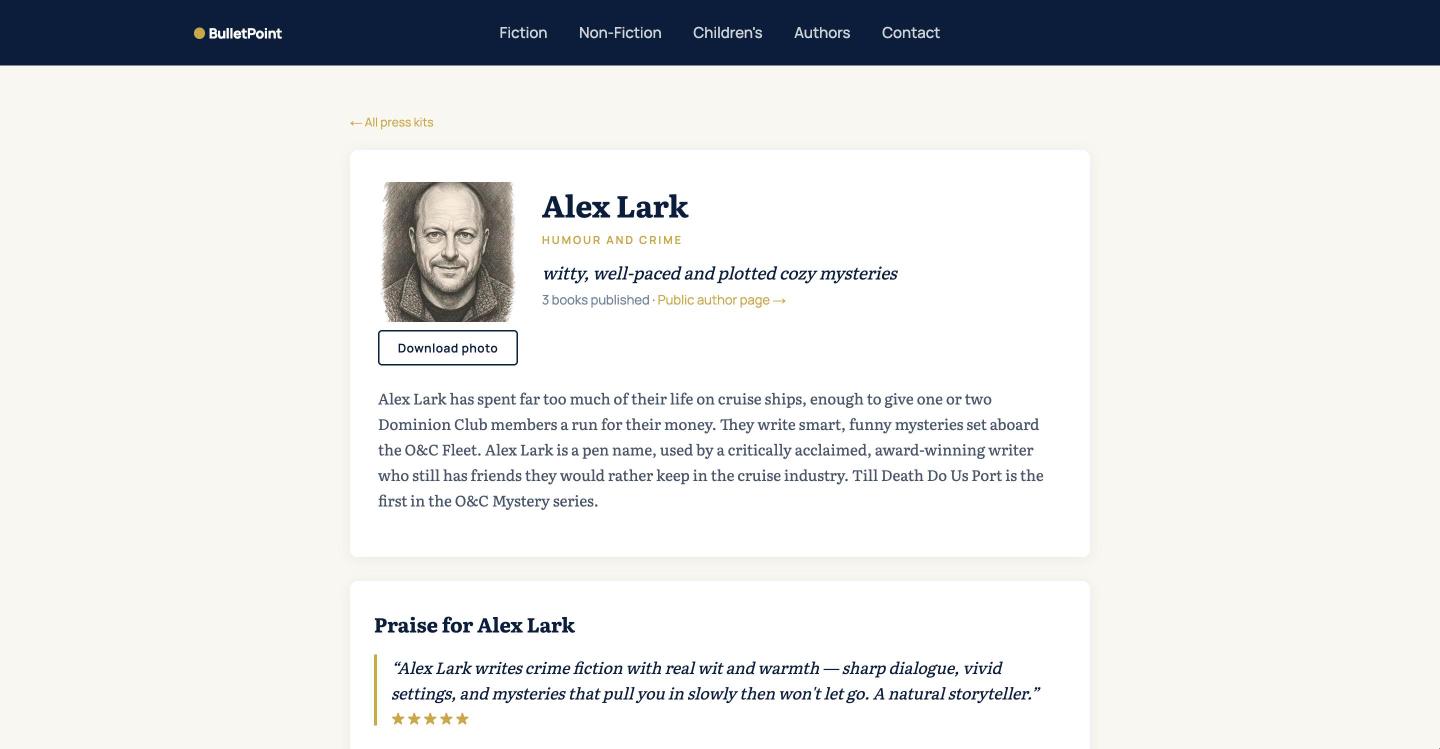
Make an author press kit page lists what appears and where to find the link.
All along: collect sign-ups with a reader magnet
- Select My site, then Reader magnet.
- Write a Headline and a Teaser.
- Upload an EPUB, a PDF or both.
- Select Save changes, then Copy link.
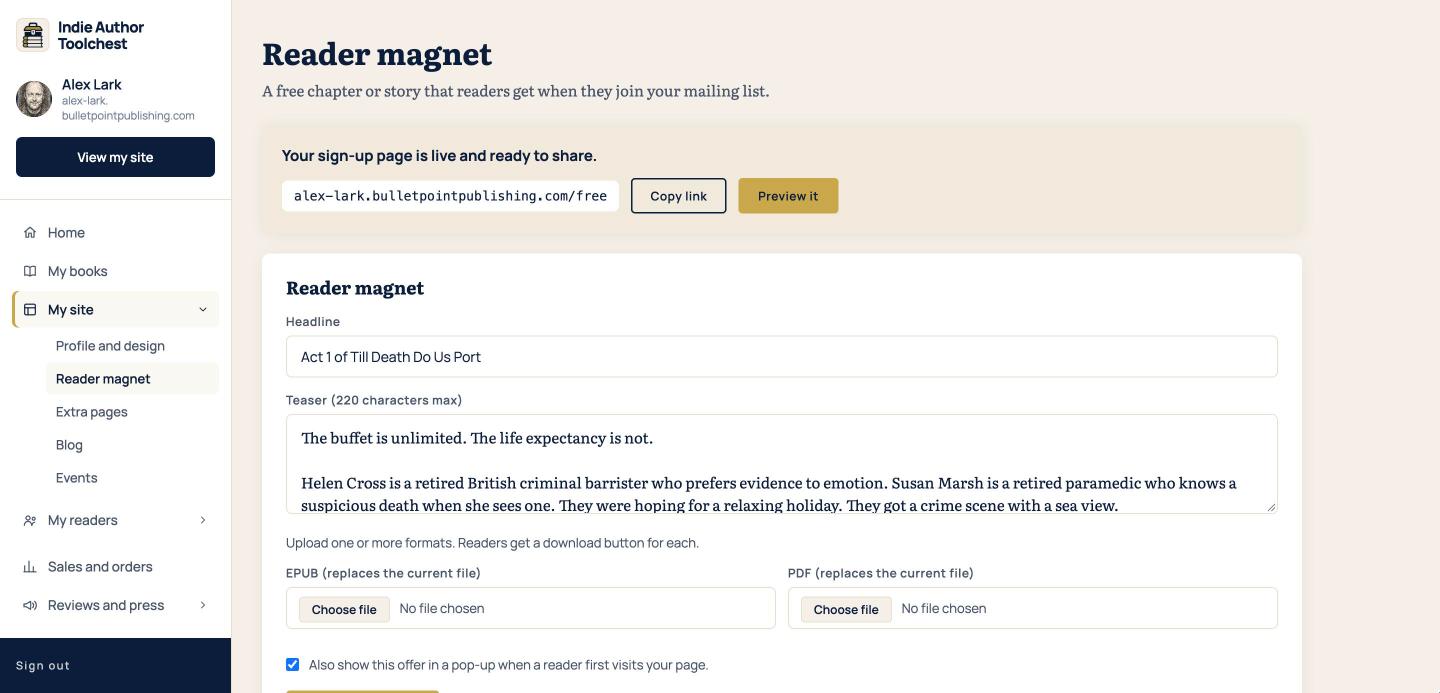
Start this as soon as your site is up. A reader joins your list after they click the link in a confirmation email, and the free file is sent once they do. Share the link wherever your readers are. Give away a free chapter to get email sign-ups has the steps.
Launch day: email your readers
- Select My readers, then Emails to readers.
- Type a Subject and write your Message.
- Select Preview before sending, read it and send.
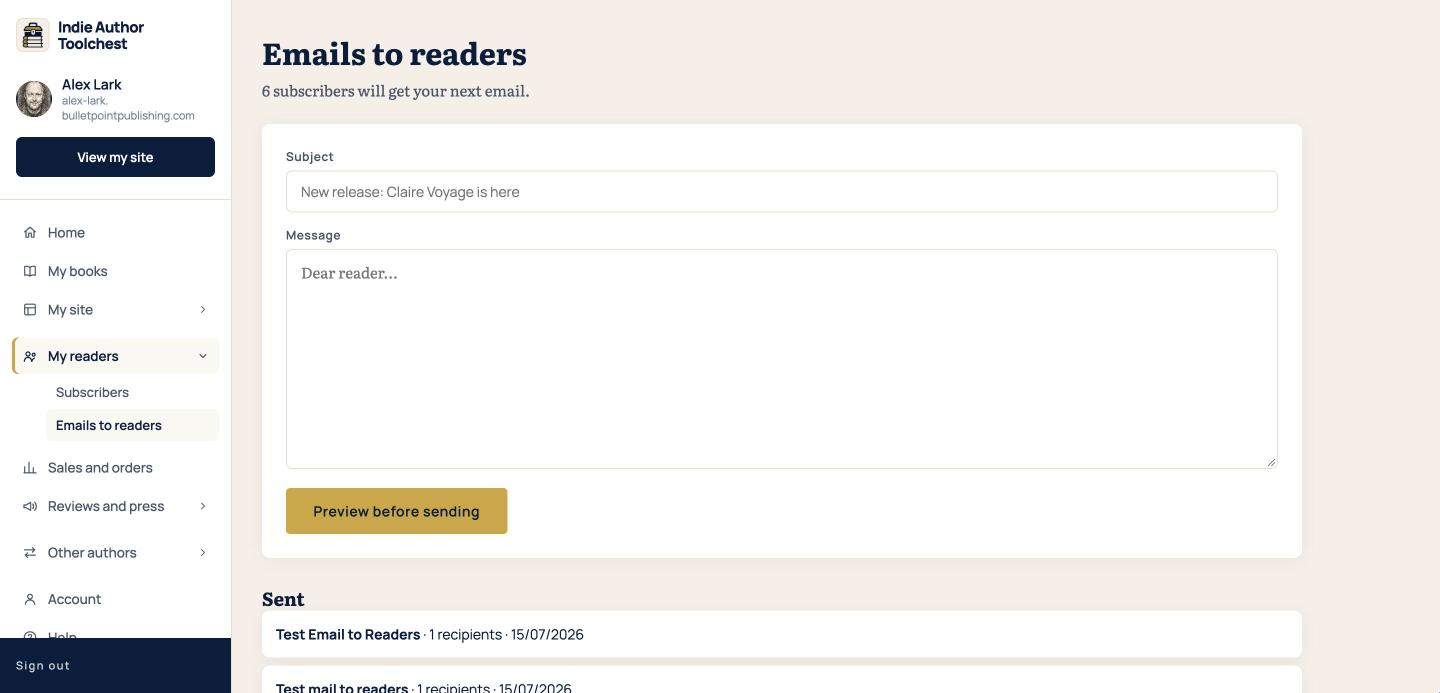
Put the buy link first. Email your readers about a new book covers the preview, the send and the Sent list.
At the launch event: hand out codes
Select Reviews and press, then Codes for events. Choose the book, enter How many and select Generate codes, then Print postcards. Each code works once, and the download link lasts 14 days. Give away ebooks at events with printed codes shows the whole job.
Good to know
Pick the steps that suit your book and your launch. For a one-page list of everything around the Toolchest, including the jobs Amazon asks of you, use our book launch checklist.
Next step
Start with the first step if your book is not on your site yet. Add a book to your author website takes a few minutes.
You can try all of this free for 14 days. Start with the Indie Author Toolchest.
Run it all from one place
Author page, direct sales, reader list, review copies and press kit, built from one ASIN. Free for 14 days, no card.
Start your free trial